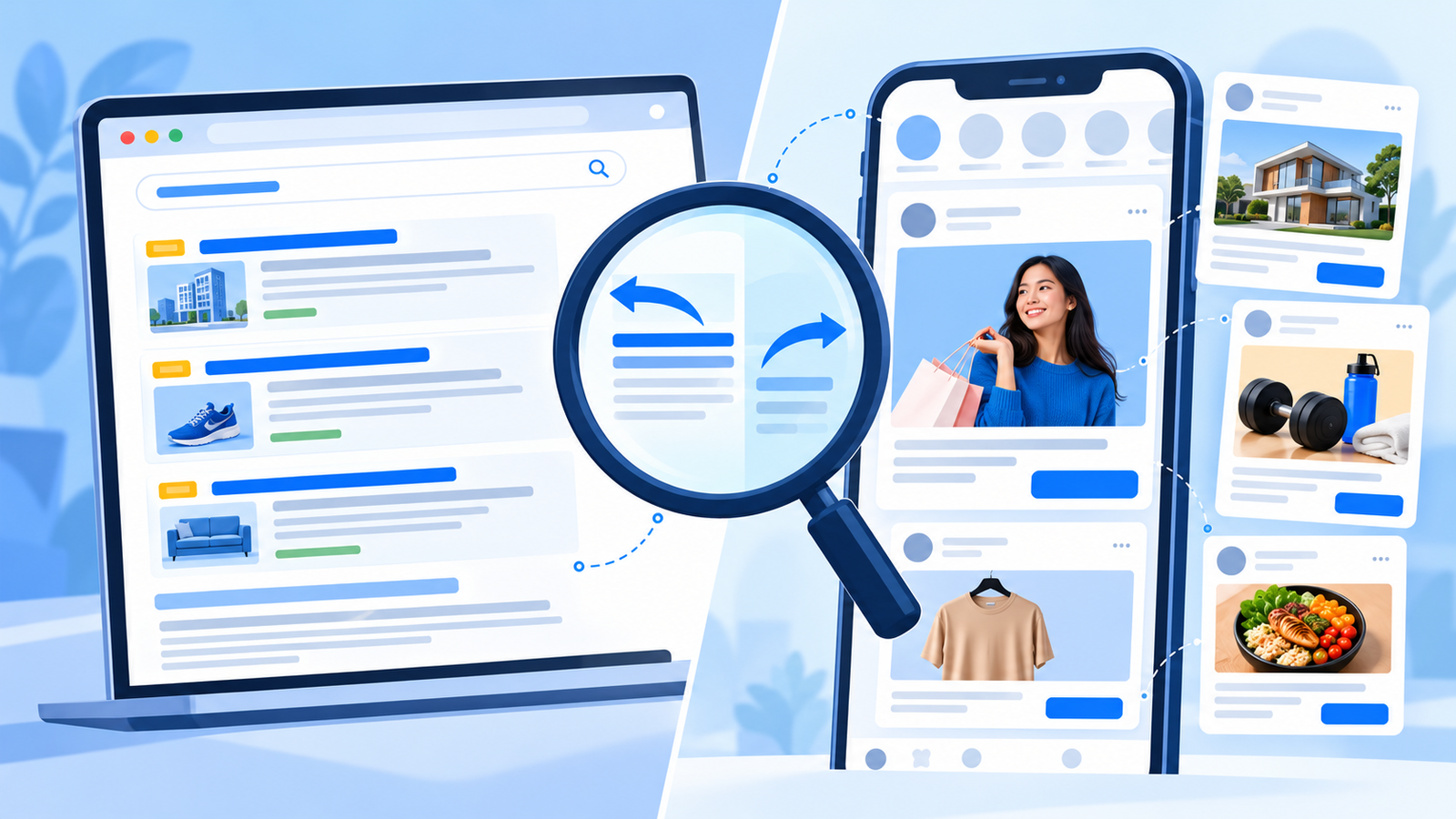
Google Ads Transparency Center vs Meta Ads Library: Which Is Better?
If you want to see what your competitors are advertising, two free tools can help: the Google Ads Transparency Center and the Meta Ads Library. Both are public, both show real ads, and both can save you hours of guessing. But they work differently, cover different platforms, and answer different questions.
The short answer: Neither tool is better for every business. Use the Meta Ads Library when you want creative ideas, keyword-based searches, and a look at Facebook and Instagram ads. Use the Google Ads Transparency Center when you want to see what a competitor advertises on Google, such as Search and YouTube, by searching their name or website. Most Indian businesses get the best results by using both, depending on where their buyers spend time.
This guide compares the Ads Transparency Center and the Meta Ads Library in simple terms, with a decision table and a research workflow you can copy.
What Are the Ads Transparency Center and the Meta Ads Library?
| Google Ads Transparency Center | Meta Ads Library | |
|---|---|---|
| Owner | Meta | |
| Platforms covered | Google surfaces such as Search, YouTube, and Display | Facebook, Instagram, and other Meta apps |
| Main purpose | Public transparency about advertisers and ads on Google | Public transparency about ads on Meta platforms |
| Cost | Free | Free |
| Login needed | Generally no | Generally no |
| Where to find it | adstransparency.google.com | facebook.com/ads/library |
Names, features, and available data change over time and may differ by country, so check what each tool shows for India before you build a process around it.
Ads Transparency Center vs Meta Ads Library: 5 Key Differences
1. Platforms Covered
The Ads Transparency Center focuses on ads shown across Google’s network. The Meta Ads Library covers ads on Facebook, Instagram, and other Meta placements. If your buyers search on Google, start with the Ads Transparency Center. If your category is visual and discovery-led, start with the Meta Ads Library.
2. How You Search
The Google Ads Transparency Center is mainly searched by advertiser name or website domain. That makes it excellent for checking a known competitor, but weaker for open-ended idea hunting.
The Meta Ads Library lets you search by advertiser and also by keyword, so you can explore a category, an offer, or a phrase such as “dental implants Delhi” or “NEET coaching”.
3. What You See
- Ads Transparency Center: Ads from verified advertisers, in formats such as text, image, and video, so you can study the messages competitors use on Google.
- Meta Ads Library: Active ads with images, videos, and copy, plus details such as the start date, platforms, and versions of an ad.
4. Data Signals You Can Read
Both tools give you clues, not results.
| Signal | Google Ads Transparency Center | Meta Ads Library |
|---|---|---|
| Ad dates | Shown for many ads, so you can see when ads appeared | “Started running on” date for active ads |
| Regions | Often shows where ads were shown | Filter by country |
| Formats | Text, image, video | Image, video, and more |
| Versions | Varies | Shows how many versions of an ad exist |
| Spend and conversions | Not shown for ordinary ads | Not shown for ordinary commercial ads |
Neither tool shows what a competitor pays or how many leads they get. Treat everything as a signal to test.
5. Best Use Case
- Ads Transparency Center: Competitor research on Google, understanding search messaging, and checking what offers competitors promote.
- Meta Ads Library: Creative inspiration, hook research, format research, and seeing how competitors use video and carousels.
Side-by-Side Comparison
| Factor | Google Ads Transparency Center | Meta Ads Library |
|---|---|---|
| Best for | Google competitor research | Creative and offer research |
| Search style | Advertiser name or domain | Advertiser or keyword |
| Strongest for | Search and YouTube messaging | Visual creative on Facebook and Instagram |
| Idea discovery | Limited | Strong |
| Known competitor check | Strong | Strong |
| Learning curve | Simple | Simple, with more filters |
| Shows results | No | No |
Which Is Better for Your Business?
| Your situation | Start with |
|---|---|
| Buyers search on Google for your service | Ads Transparency Center |
| Visual product, fashion, food, or beauty | Meta Ads Library |
| Local clinic or service business | Both, starting with Google for urgent searches |
| Coaching or admissions | Both: Meta Ads Library for creatives, Google for course searches |
| Real estate | Both: Meta Ads Library for project visuals, Google for search offers |
| B2B or agency | Ads Transparency Center, then Meta Ads Library for retargeting ideas |
How to Use the Google Ads Transparency Center
- Go to adstransparency.google.com.
- Search for a competitor by name or website domain.
- Choose the region (India) and, if available, a format or date range.
- Review the ads, noting messages, offers, and formats.
- Open the competitor’s landing page, if linked, to see what happens after the click.
Note the angles repeated across many ads. Repeated messages often signal what the competitor believes works.
How to Use the Meta Ads Library
- Go to facebook.com/ads/library.
- Set country to India and status to Active.
- Search by advertiser name or by keyword.
- Check the start date, platforms, and versions.
- Save promising ads and note the hook, offer, proof, and call to action.
For a deeper walkthrough, see our guide on how to use the Meta Ads Library to find winning ad creatives.
A Combined Research Workflow
Use both tools in one session to get a fuller picture:
- List competitors: Choose 5 to 10 in your city or category.
- Check Google first: Use the Ads Transparency Center to see their search messages and offers.
- Check Meta next: Use the Meta Ads Library to see their creatives and formats.
- Compare: Do they say the same thing on both platforms, or different things?
- Decide your tests: Choose two or three angles to test in your own account.
Competitor snapshot template (copy and adapt):
| Field | Google Ads Transparency Center | Meta Ads Library |
|---|---|---|
| Competitor | ||
| Main message | ||
| Offer | ||
| Format | ||
| Call to action | ||
| Landing page notes | ||
| What I will test |
Limits of Both Tools
- Neither shows spend, clicks, or conversions for ordinary ads.
- A long-running ad may be profitable, or it may serve a brand goal. Test before copying any idea.
- Data shown can differ by country and may change.
- Competitors you cannot find may not be running ads, or may use a different name or domain.
- Your price, audience, and brand differ from the competitor’s.
Common Mistakes
- Copying a competitor’s ad word for word
- Using only one tool and missing half the picture
- Judging a competitor’s success by one ad
- Ignoring the landing page
- Researching without a goal
- Skipping tests in your own account
Realistic Expectations
Both tools can shorten your learning time, but neither can tell you what will work for your business. Results depend on your offer, audience, budget, tracking, and follow-up. You can find more practical guides on the ICONICMONEY blog, explore our Meta Ads and Google Ads services, or learn about our team and approach. If you want an expert review of your competitor research and ad strategy, you can request a free marketing audit.
Need help with competitor research and ad strategy? ICONICMONEY helps businesses improve their digital marketing through Meta Ads and Google Ads management and lead generation strategy. Get in touch to discuss your goals and explore a strategy suited to your business. Request a Free Audit
D. FAQ Section
What is the Google Ads Transparency Center?
It is a free public tool from Google where you can look up advertisers and see ads they have shown across Google’s network. Available details can vary by country and change over time.
Is the Meta Ads Library better than the Ads Transparency Center?
Neither is better for everyone. The Meta Ads Library suits creative and keyword research on Facebook and Instagram, while the Ads Transparency Center suits competitor research on Google.
Can I see competitor ad spend in the Ads Transparency Center or Meta Ads Library?
For ordinary commercial ads, no. Both tools show the ads, not spend or conversions. Some categories or regions may show more, so check what you see for India.
Can I search by keyword in the Ads Transparency Center?
The tool is mainly designed for searching by advertiser name or website domain. The Meta Ads Library allows keyword searches, which is better for open-ended idea research. Confirm current features on each site.
Should I use both the Ads Transparency Center and the Meta Ads Library?
Yes, if your buyers use both platforms. Checking both shows whether competitors use the same message everywhere or change it by platform.
Is it legal to use ideas from competitor ads?
Learning from patterns is normal research, but copying ads word for word or using protected material can harm your brand and raise legal issues. Create original ads with claims you can support.