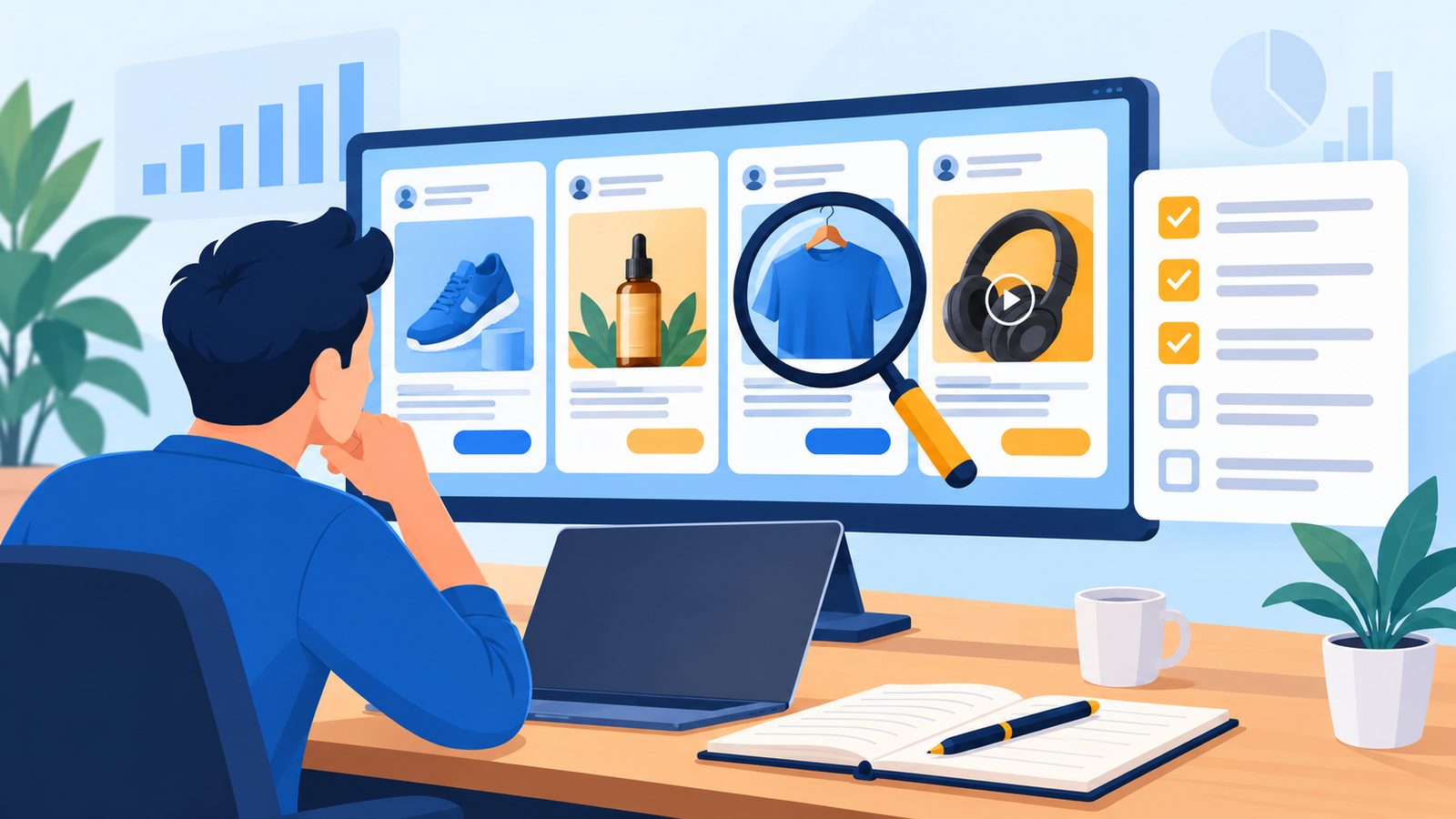
How to Research Competitor Ads Before Launching a PPC Campaign: 7 Best Steps for Indian Businesses
Launching a PPC campaign without looking at your competitors is like opening a shop without checking what the shop next door sells. You may pay for clicks, only to find that rivals already own the best offers, messages and positions. The smart move is to research competitor ads before you spend a rupee. This guide shows how to research competitor ads in seven clear steps, using free tools, with examples for Indian businesses.
Quick answer: To research competitor ads before a PPC launch, list your real competitors, check live Google results, look them up in the Google Ads Transparency Center and the Meta Ad Library, study their landing pages and offers, and turn what you find into a gap analysis. Free tools show you the ads and messages, but not competitor budgets or conversion rates, so treat every finding as a clue, not proof.
Why You Should Research Competitor Ads Before Launching PPC
Good competitor research helps you:
- Spot the offers and angles every rival already uses, so you can stand out.
- Find gaps, such as a service nobody advertises or a city nobody targets.
- Write better ad copy and landing pages from day one.
- Set realistic expectations for budget and competition.
It does not mean copying. The goal is to learn what the market expects, then give people a reason to choose you. When you research competitor ads well, you launch with sharper tests and waste less budget.
Step 1: List the Right Competitors Before You Research Competitor Ads
Your competitors are not only the businesses you know. They are whoever shows up when your customer searches. Make a list of 5 to 10, in three groups:
- Direct competitors: Same service, same area.
- Indirect competitors: Different solution to the same problem.
- Marketplaces and directories: Platforms that appear in search results for your keywords.
Search your top keywords and note every advertiser that appears. Add them to a sheet with columns for name, website, ad copy, offer, call to action and notes.
Step 2: Check Live Google Search Results
Start with manual search. When you research competitor ads on Google Search, do it carefully:
- Use a private window and set your location to the city you want to target.
- Search 10 to 15 keywords your customers would use, in English and Hinglish if relevant.
- Check both mobile and desktop, because ads and layouts differ.
- Take screenshots with the date.
- Note headlines, prices, offers, extensions, and the ad position.
Do not click competitor ads. Clicking wastes their budget and is poor practice. Visit their website directly instead.
Step 3: Research Competitor Ads in the Google Ads Transparency Center
Google’s Ads Transparency Center is a free public tool. You can search by advertiser or website, with filters for topic, time and country, and each ad shows the date it last ran, its format and the region where it was shown. At launch, it covered Search, YouTube and Display ads from the last 30 days. That time window may have changed, so check the tool itself. 9to5googlefastcompany
How to use it:
- Search your competitor’s brand name or website.
- Filter by India, then by format (text, image, video).
- Note how many ads they run and which messages repeat.
- Check whether they use video, which hints at a wider funnel.
The tool shows verified advertisers only, and it does not show their budget, keywords or results.
Step 4: Research Competitor Ads in the Meta Ad Library
If your competitors also advertise on Facebook and Instagram, the Meta Ad Library shows what they run. It displays active ads across Meta platforms, including the start date, the platforms used and all versions of the copy, images, videos and calls to action. superads
Useful ways to use it:
- Search the competitor’s Page name and filter by country and active status.
- Note the formats: static image, video, carousel.
- Watch the opening seconds of video ads, because the hook decides watch time.
- Compare how many ads they run and for how long.
Be careful with one common idea. One guide suggests that ads running for weeks or months are likely high performers, but that is only a clue. An ad can run for weeks because nobody switched it off. Also remember that for most commercial ads, detailed targeting, precise budgets and bidding strategies are not shown. Whether inactive commercial ads stay visible can also differ by region and over time, so check what you see in India. midacontentstudio
Step 5: Study Competitor Landing Pages and Offers
The ad is only half the story. Open each landing page and note:
- The main headline and whether it matches the ad
- Price, discount or free offer, in INR
- Form length and fields
- WhatsApp, call and booking options
- Trust signals such as reviews, certifications and client logos
- Mobile loading speed and design clarity
Look for friction. A competitor with a long form, slow page or vague offer gives you room to do better. Do not submit fake enquiries or deceive them, and do not copy their text or images.
Step 6: Estimate Competition and Plan to Measure It
Before launch you cannot see competitor auction data for your own account, but you can estimate pressure:
- Use Google Keyword Planner for keyword ideas and estimated ranges, and treat them as estimates.
- Count how many advertisers appear on your top keywords.
- Check whether marketplaces dominate the results.
After launch, use the Auction Insights report in Google Ads. For Search campaigns it provides six statistics: impression share, overlap rate, outranking share, position above rate, top-of-page rate and absolute top-of-page rate. It does not show insights when your impression share is below 10%. So plan to review it after your campaigns collect enough data. googlegoogle
Step 7: Turn Your Research into a PPC Plan
Research only helps if it changes your plan. Build a simple gap table:
| Finding | What competitors do | Your response |
|---|---|---|
| Most ads promise “lowest price” | Compete on price | Lead with a different angle, such as speed or customer proof |
| No one offers WhatsApp quotes | Form only | Add a WhatsApp option |
| Few ads mention a city area | Generic location | Use local ad groups |
| Slow competitor landing pages | Heavy pages | Build a fast, clear page |
Then turn this into action:
- Write three different ad angles to test.
- Choose keywords, including long-tail and negative keywords.
- Plan the landing page and offer.
- Set a test budget and decision rules.
Before using a competitor’s name in keywords or ad text, check Google’s trademark policy for the current rules.
What You Can and Cannot Learn When You Research Competitor Ads
| You can learn | You cannot learn |
|---|---|
| Ad copy, creative and formats | Their budget |
| Offers, prices and calls to action | Their conversion rate |
| How long and how many ads run | Their keywords and bids |
| Landing page structure | Their lead quality or profit |
This is why you should research competitor ads as input to testing, not as a recipe to follow. Paid tools estimate competitor spend and keywords, but treat those numbers as estimates too.
Example: Research Competitor Ads for a Delhi Interior Design Business
This is an illustrative example, not a client result. A new interior design studio plans a ₹40,000 monthly Google Ads test.
| Step | What the studio does | What it finds |
|---|---|---|
| 1 | Lists 8 competitors | 3 direct, 2 indirect, 3 directories |
| 2 | Searches 12 keywords | Most ads lead with “free consultation” |
| 3 | Checks Transparency Center | Two rivals run video ads |
| 4 | Checks Meta Ad Library | Most use before-and-after images |
| 5 | Reviews landing pages | Long forms, no WhatsApp option |
| 6 | Notes marketplace results | Directories dominate cheap keywords |
| 7 | Builds the plan | Test a WhatsApp quote offer and a short form |
The studio now has three ad angles and a clear landing page plan before it spends the first rupee. The numbers here are placeholders, so use your own market data.
Common Mistakes When You Research Competitor Ads
- Clicking competitor ads to “see” them.
- Copying text or images instead of learning from them.
- Treating long-running ads as proven winners.
- Ignoring landing pages and offers.
- Looking only at one platform.
- Researching once and never again.
- Skipping the step that turns notes into a plan.
When to Get Expert Help to Research Competitor Ads
A good competitor review takes time, and the real value comes from turning it into campaign structure, ad copy and tracking. Our Google Ads management services and Meta Ads management teams research competitors before every launch. If your landing page is the weak point, our website design and development team can build a faster, clearer page, and our lead generation services connect ads to follow-up.
Need help planning a PPC campaign that stands out from competitors?
ICONICMONEY helps businesses improve their digital marketing through Google Ads, Meta Ads and lead generation. Get in touch to discuss your goals and explore a strategy suited to your business. Request a Free Marketing Audit
Conclusion
When you research competitor ads before launching PPC, you learn what the market expects and where you can stand out. Build your competitor list, check live results, use the Transparency Center and Meta Ad Library, study landing pages and turn it into a testable plan. Treat every finding as a clue, not proof, and keep researching after launch. For more practical guides, visit the ICONICMONEY blog.
D. FAQ Section
FAQs About How to Research Competitor Ads
1. How do I research competitor ads for free?
Search your keywords manually, then use the Google Ads Transparency Center and the Meta Ad Library. Add landing page reviews to a sheet. These free methods show ads and messages, not budgets or results.
2. Can I see my competitor’s Google Ads budget?
No. Free tools do not show budgets, bids or conversion data. Paid tools give estimates only, so treat them as rough guides.
3. Is it legal to research competitor ads and copy them?
It is fine to research competitor ads that are public, but do not copy their text, images or branding. Check Google’s trademark policy before using competitor names in your ads. This is general guidance, not legal advice.
4. How often should I research competitor ads?
Do a full review before launch and a quick check every month. Review Auction Insights after launch, once your campaigns have enough data.
5. Should I click competitor ads to see their landing pages?
No. Visit their website directly. Clicking their ads costs them money and does not give you anything you cannot get from the page itself.
6. What should I do with the competitor ad research?
Build a gap table of what rivals do and how you will differ, then test three ad angles and one landing page change.