Facebook Ads for Small Businesses: A Complete Beginner’s Guide
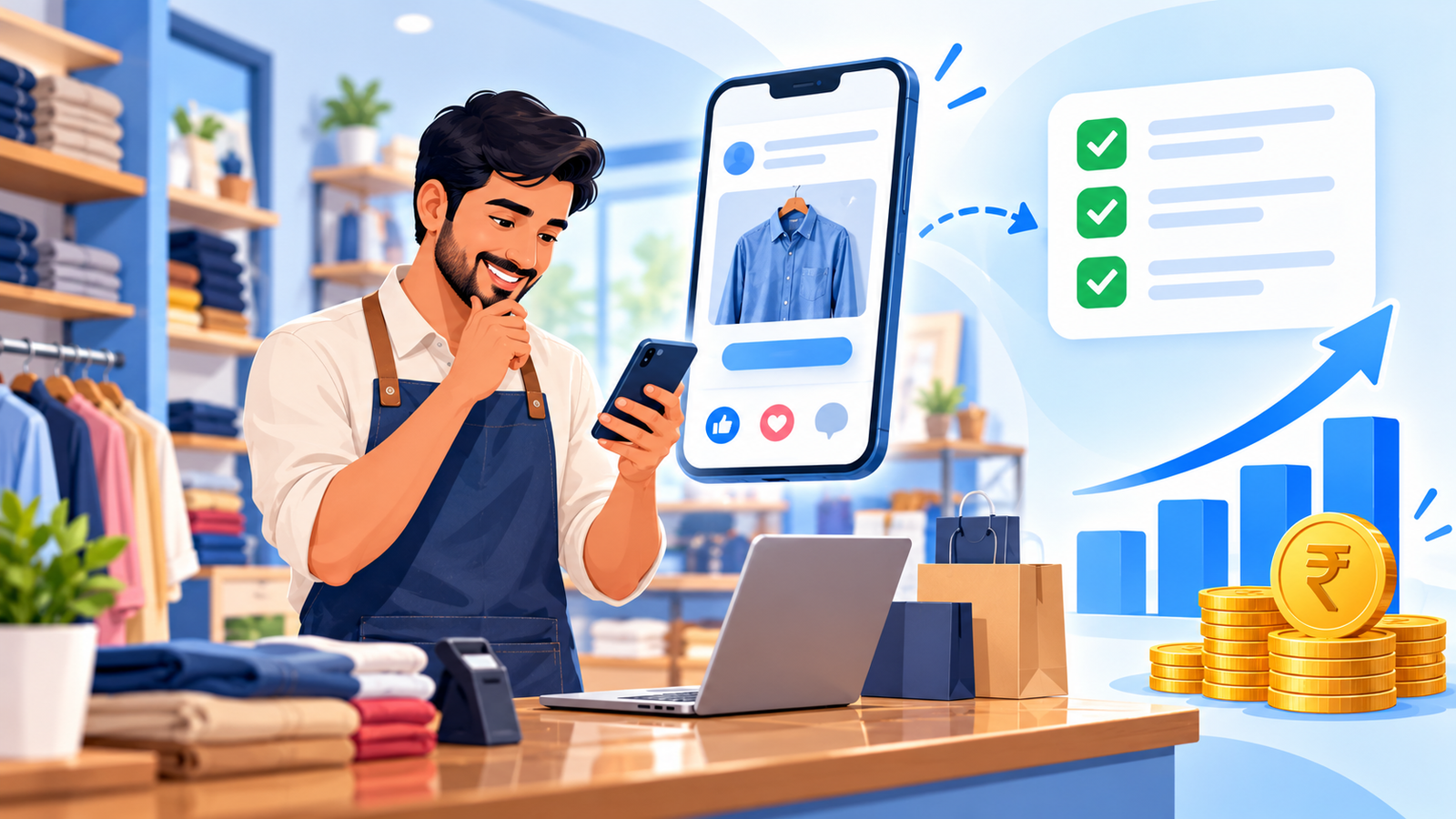
If you run a small business in India, Facebook ads can put your offer in front of local customers without a big marketing team. The hard part for beginners is not starting. It is knowing what to set up, how much to spend, and how to tell if your Facebook ads are working.
The short answer: To run Facebook ads for a small business, set up a Facebook Page and Ads Manager account, install tracking, pick one clear goal, target a defined local audience, test a few simple creatives with a modest daily budget, and review results weekly. Start small, learn what works, then scale.
This beginner’s guide walks you through each step, with simple INR examples and a 30-day starting plan.
What Are Facebook Ads and How Do They Work?
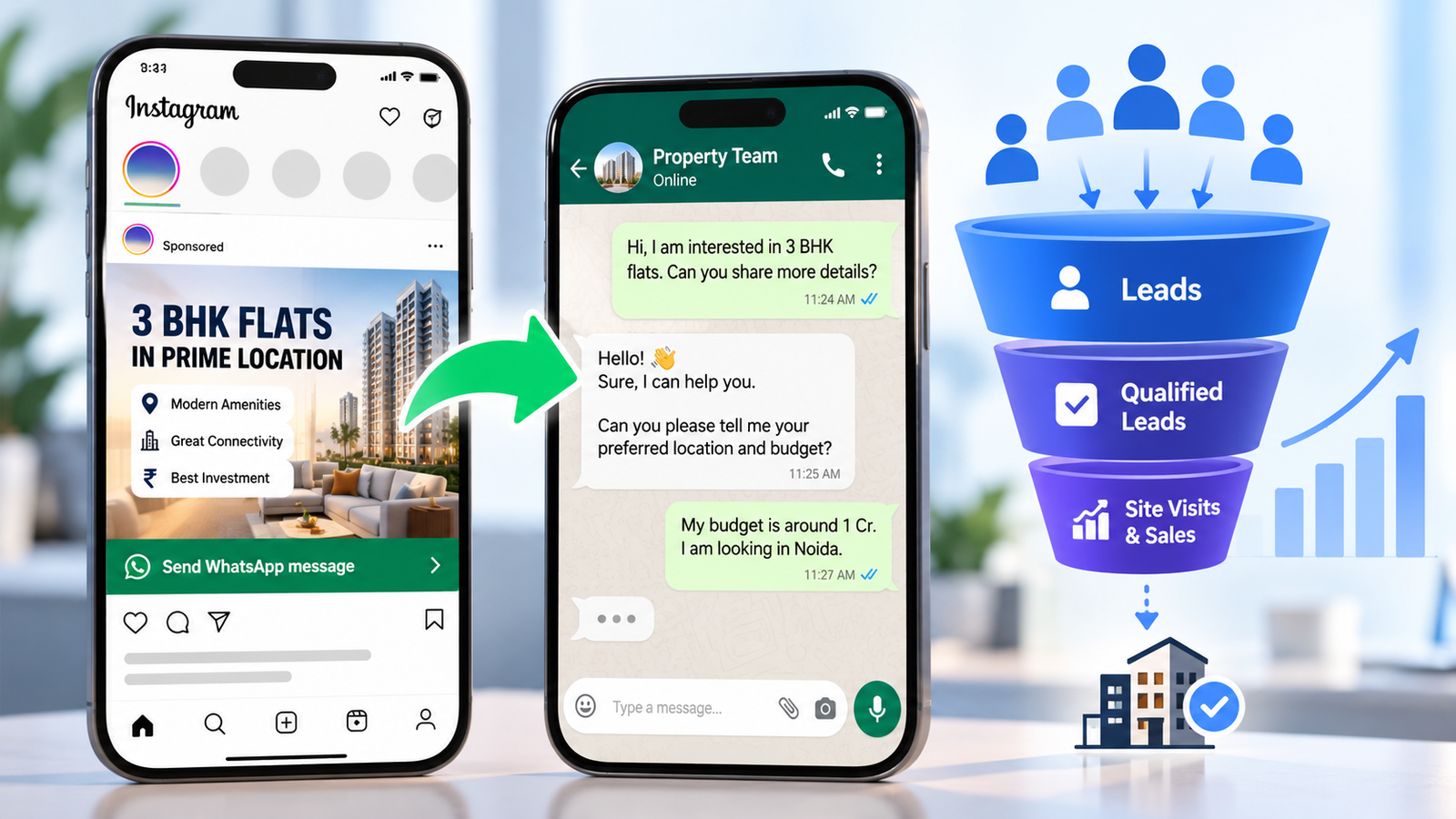
Facebook ads are paid promotions that appear on Facebook, and, depending on your placement settings, on Instagram and other Meta platforms. You choose a goal, an audience, a budget, and a creative. Meta then shows your ad to people it expects to take the action you asked for.
You manage everything in Meta Ads Manager. You are usually charged based on how your campaign is optimised and delivered, so the goal you choose matters.
Why Facebook Ads Suit Small Businesses
- Local targeting: You can focus on a city, area, or radius around your shop or clinic.
- Flexible budgets: You can start small and increase only when results justify it.
- Clear measurement: You can see enquiries, calls, messages, and clicks instead of guessing.
- Many formats: Images, short videos, and carousels let you show products and services clearly.
Facebook ads are not magic. They work best when your offer is clear and you respond to enquiries quickly.
Step 1: Choose One Clear Goal
Beginners often try to get everything at once. Pick one outcome:
| Your business | Common first goal |
|---|---|
| Local service, clinic, coaching institute | Leads (form fills or WhatsApp enquiries) |
| Restaurant, salon, retail shop | Store visits, calls, or messages |
| Online store | Website purchases |
| New brand | Website visits or followers, then move to leads or sales |
Your goal decides which campaign objective you select inside Ads Manager.
Step 2: Set Up Your Accounts
- Create a Facebook Page for your business with a clear name, logo, phone number, and address.
- Open Meta Ads Manager and create an ad account linked to your Page.
- Add a payment method and check that your business details are correct.
- Install the Meta Pixel on your website, so Meta can see actions like enquiries or purchases. If you do not have a website, consider using lead forms or WhatsApp as your conversion point.
- Plan for the Conversions API later, as it helps capture events that browsers can miss.
If you need a fast, mobile-friendly website for your Facebook ads, see our website design and development services.
Step 3: Decide Your Budget
Do not copy random numbers from the internet. Work backwards from what a customer is worth. This is an illustrative example, not a benchmark:
If a new customer is worth ₹3,000 to you and about 1 in 10 enquiries becomes a customer, you could pay up to about ₹300 per enquiry. A daily budget of ₹500 is about ₹15,000 a month, which would target roughly 50 enquiries at that ceiling.
Start with an amount you can afford to test for at least two to four weeks. Facebook ads need steady data to learn. Very tiny budgets spread across many campaigns usually learn slowly, so keep your structure simple.
Step 4: Build Your Audience
Your audience settings decide who sees your Facebook ads. For most small businesses, a good starting audience has three parts:
- Location: Your city, area, or a radius around your business.
- Basic details: Age range and language if they matter for your offer.
- Interests or broad targeting: Meta increasingly favours automated audience options, so test a broad audience alongside a more defined one.
Avoid making the audience extremely narrow. Let your ad creative do the filtering by speaking clearly to the right customer.
Step 5: Create Facebook Ads That Get Attention
Strong Facebook ads for small businesses share a few habits:
- A clear hook: Say who it is for or what problem it solves in the first line or first 2–3 seconds.
- A specific offer: “Free demo class for Class 10 students in Delhi” beats “Join us today”.
- Real visuals: Use real photos or videos of your products, team, or work instead of generic stock images.
- One simple call to action: Such as “Send Message”, “Book Now”, or “Learn More”.
- Local language: Write in the language your customers use, including Hindi or Hinglish when it fits.
Make two or three different creatives, so you can learn which message works.
Step 6: Pick Placements and Launch
Beginners can often start with automatic placements so Meta can show your Facebook ads across Facebook and Instagram. Before you publish, check:
- Your goal, audience, and budget match your plan
- The ad text has no spelling errors
- Your landing page or WhatsApp link works on mobile
- Your phone number and business details are correct
Then publish, and give the ads time to deliver before making changes.
Step 7: Respond Fast to Enquiries
Ads bring enquiries. Your follow-up turns them into customers.
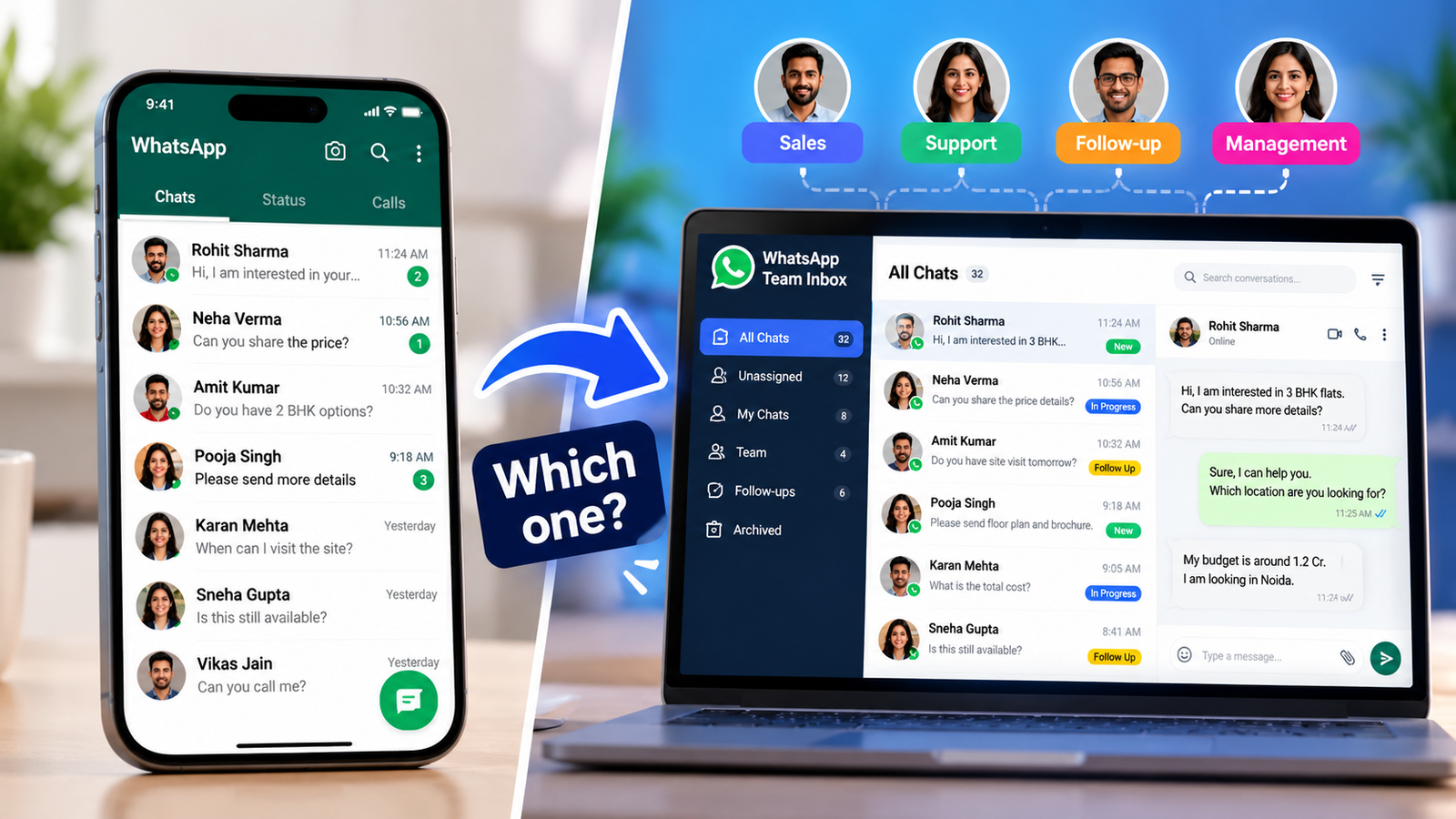
- Send an instant WhatsApp or SMS acknowledgement.
- Call or reply quickly, ideally within the same day.
- Ask simple qualifying questions: what they need, where they are, and their budget.
- Note each enquiry as Interested, Not reachable, Booked, or Sold.
Even good Facebook ads waste money if enquiries go unanswered.
Step 8: Measure Results Weekly
| Metric | What it tells you |
|---|---|
| Reach and impressions | How many people saw your ad |
| Click-through rate (CTR) | Whether your creative gets attention |
| Cost per result | What each enquiry, message, or sale costs |
| Cost per qualified lead | The real cost of a useful enquiry |
| Frequency | Whether people are seeing the same ad too often |
Look at results weekly rather than hourly. Do not judge Facebook ads after one or two days, because the system needs time to learn. If results are weak, read our guide on why Facebook ads may not be generating leads, then change one thing at a time.
Common Beginner Mistakes to Avoid
- Boosting posts without a clear goal
- Running too many campaigns with a tiny budget
- Using vague offers like “best service in town”
- Skipping tracking and pixel setup
- Sending traffic to a homepage instead of a focused page
- Changing the ads every day
- Ignoring enquiries for hours or days
- Expecting instant results or fixed guarantees
Your First 30 Days: A Simple Plan
| Week | What to do |
|---|---|
| Week 1 | Set up the Page, Ads Manager, pixel, and tracking. Prepare an offer, a landing page or form, and two or three creatives. |
| Week 2 | Launch one campaign with a modest daily budget. Reply to every enquiry quickly. |
| Week 3 | Review cost per result and lead quality. Pause weak ads and keep the best one running. |
| Week 4 | Test one new creative or offer. Decide if results justify raising the budget gradually. |
When Should You Get Professional Help?
Many owners start on their own. Consider help from an agency when you are spending steadily but not getting useful enquiries, you lack time to manage campaigns, or you want a stronger tracking and landing page setup. You can read more practical guides on the ICONICMONEY blog or learn about our team and approach. If you want a second opinion on your current setup, you can request a free marketing audit.
Need help getting results from Facebook ads for your small business? ICONICMONEY helps businesses improve their digital marketing through Meta Ads management and lead generation strategy. Get in touch to discuss your goals and explore a strategy suited to your business. Request a Free Audit
D. FAQ Section
How much should a small business spend on Facebook ads in India?
There is no single right number. Work out the most you can pay per enquiry from your customer value and conversion rate, then set a daily budget you can sustain for two to four weeks of testing.
Do I need a website to run Facebook ads?
Not always. You can collect enquiries through lead forms, Messenger, or WhatsApp. A website helps with tracking and trust, especially for higher-priced services or online sales.
Is boosting a post enough, or should I use Ads Manager?
Boosting is simple but gives limited control. Ads Manager lets you choose a clear goal, audience, placements, and tracking, which is usually better for getting enquiries.
How long do Facebook ads take to work?
Plan for a few weeks of testing. Early results are often noisy, so avoid big changes after one or two days and review weekly instead.
Can I run Facebook ads myself?
Yes, many owners start on their own. Consider help if you are spending but not getting useful enquiries, or you lack time for tracking, creative testing, and follow-up.
Should I advertise on Facebook or Instagram?
You do not always have to choose. Meta lets you run ads across both. Test automatic placements first, then check which one brings better quality enquiries.