
How to Track Purchases and Leads Using Meta Pixel and Conversions API
Your Ads Manager shows 40 purchases, but your Shopify dashboard shows 55 orders. Or your campaign reports 120 leads, while your sales team says half of them never reached the CRM. When tracking is incomplete, Meta learns from poor data and you cannot tell which ad is really working.
The fix is to set up Meta Pixel and Conversions API together, so both your browser and your server report every sale and enquiry.
Quick answer: To track purchases and leads accurately, install the Meta Pixel on your website, connect the Conversions API to send the same events from your server, give each event a matching event ID so Meta can remove duplicates, and verify everything in Events Manager. This guide explains each step in simple language for Indian e-commerce brands, clinics, institutes, builders and local businesses.
What Are Meta Pixel and Conversions API?
Meta Pixel: browser-side tracking
The Meta Pixel is a small piece of code on your website. When a visitor views a product, submits a form or completes a payment, the browser reports that action to Meta. It is the quickest way to start measuring results from Meta Ads.
Conversions API: server-side tracking
The Conversions API (CAPI) sends event data directly from your server, CRM or tracking platform to Meta. It does not depend entirely on the visitor’s browser, so it can report actions the Pixel may miss, such as a payment confirmed on your server or a lead that moved to “qualified” in your CRM.
Why use Meta Pixel and Conversions API together
Meta itself recommends implementing the Conversions API alongside the Meta Pixel for optimal ad performance. The Pixel captures rich browser signals. The server connection adds reliability. Used together, Meta Pixel and Conversions API give Meta a fuller picture of who is buying and enquiring.
Which Events Should You Track?
Do not track everything. Pick the actions that match your business goal, then send them with the right standard event name.
| Business type | Main goal | Standard event | Useful details to send |
|---|---|---|---|
| E-commerce store | Sales | Purchase | value, currency (INR), order ID |
| E-commerce store | Funnel health | ViewContent, AddToCart, InitiateCheckout | product ID, value |
| Clinic, institute, builder | Enquiries | Lead | form name, city, service |
| Appointment business | Bookings | Schedule | service type |
| Call or WhatsApp driven | Conversations | Contact | source page |
Whichever way you set up Meta Pixel and Conversions API, keep event names exactly the same in both. A mismatch in spelling or capitalisation can stop Meta from matching the two events.
How to Set Up Meta Pixel and Conversions API: 7 Steps
Step 1: Check your Pixel (dataset) in Events Manager
Before you build Meta Pixel and Conversions API tracking, open Meta Events Manager and confirm you have one active Pixel connected to your Business Portfolio and ad account. Avoid creating multiple Pixels for one website, because it splits your data.
Step 2: Write your event plan
List the three to five actions that matter. For a store, that is usually AddToCart, InitiateCheckout and Purchase. For a service business, it is Lead and maybe Schedule. Decide which page or action triggers each event, for example a thank-you page after a form.
Step 3: Install the Meta Pixel and fire events
Use your website platform’s integration, Google Tag Manager or manual code. Install the base code on every page and add events on the right actions. A Lead event with a unique ID looks like this:
fbq('track', 'Lead', {}, {eventID: 'LEAD-20261016-001'});A Purchase event should carry the order value in INR and the order number:
fbq('track', 'Purchase',
  {value: 1499.00, currency: 'INR'},
  {eventID: 'ORD-10458'});
Step 4: Add the Conversions API
There is more than one way to complete a Meta Pixel and Conversions API setup, and the right one depends on your website and budget:
- Partner or platform integration: many website and e-commerce platforms offer a built-in Meta connection. Check your platform’s current options.
- Server-side Google Tag Manager: suits teams already using tag management.
- Direct integration by a developer: best for custom websites and CRM-based lead tracking.
- Conversions API Gateway: a managed option from Meta for businesses without deep engineering resources. Verify current availability and costs before choosing.
The Pixel itself is free. Costs for the server side depend on the route you choose, so ask for a clear quote before you start. If your site is old or slow, fix it first with website design and development that supports proper tracking.
Step 5: Send customer information for better matching
Meta matches events to people using customer information parameters such as email, phone number, IP address, browser details and the fbp and fbc browser identifiers. Hash personal details like email and phone before sending them. Meta’s documentation lists the exact formatting rules, so follow its customer information parameters guide.
The more accurate details you send, the better the match. For lead forms, collect a valid phone number and email, since both help matching.
Step 6: Set up deduplication with event_id
If you send the same event through both the Pixel and the Conversions API, Meta must know it is one action, not two. According to Meta’s deduplication guide, the Pixel’s eventID must match the Conversions API event_id, and the event names must match too.
A simple rule works well:
- For purchases, use the order number as the event ID.
- For leads, use a unique form submission ID.
- Generate the ID once and pass the same value to both the browser and the server.
Meta’s server event parameters documentation gives the same example: two orders with numbers 123 and 456 should appear as two purchases, not four.
An illustrative server-side Purchase payload looks like this. Check it in Meta’s payload helper before using it:
{
  "data": [{
    "event_name": "Purchase",
    "event_time": 1760600000,
    "event_id": "ORD-10458",
    "action_source": "website",
    "event_source_url": "https://yourstore.in/thank-you",
    "user_data": {
      "em": ["<hashed email>"],
      "ph": ["<hashed phone>"],
      "client_ip_address": "<ip>",
      "client_user_agent": "<browser agent>"
    },
    "custom_data": {"currency": "INR", "value": 1499.00}
  }]
}
Step 7: Test and verify
Open the Test Events tab in Events Manager to test your Meta Pixel and Conversions API events, perform a test purchase or form fill, and confirm that both a browser event and a server event arrive. Then check the Event Deduplication tab. Meta says you should be able to verify events within about 20 minutes of sending them, as described in its setup verification guide.
How to Track Purchases With Meta Pixel and Conversions API
For online stores, the Purchase event is the most important signal. Fire it only once the order is confirmed, not when someone lands on a payment page.
- Send the correct order value and the INR currency code.
- Use the order ID as the event ID on both sides.
- Exclude cancelled and failed payments from the Purchase event.
- For cash on delivery, decide whether you will report the order at placement or at delivery, and keep that rule consistent.
If Ads Manager shows clicks but few orders, tracking is only one possible cause. Our guide on e-commerce ads getting clicks but no orders covers the others, and our e-commerce growth and CRO service helps fix leaks in the product and checkout pages.
How to Track Leads With Meta Pixel and Conversions API
Lead tracking has one extra challenge: a form submission is not always a good lead. Track in two layers.
- Form submission: fire a Lead event when the form is submitted successfully, from both the Pixel and the Conversions API.
- Lead quality: when your sales team marks a lead as qualified or converted, send that update back from your CRM through the Conversions API.
This second layer helps you judge campaigns by lead quality, not just lead volume. If your cost per lead keeps rising, read how to reduce cost per lead in Meta Ads. For a wider view of the process, see our Meta Ads lead generation guide.
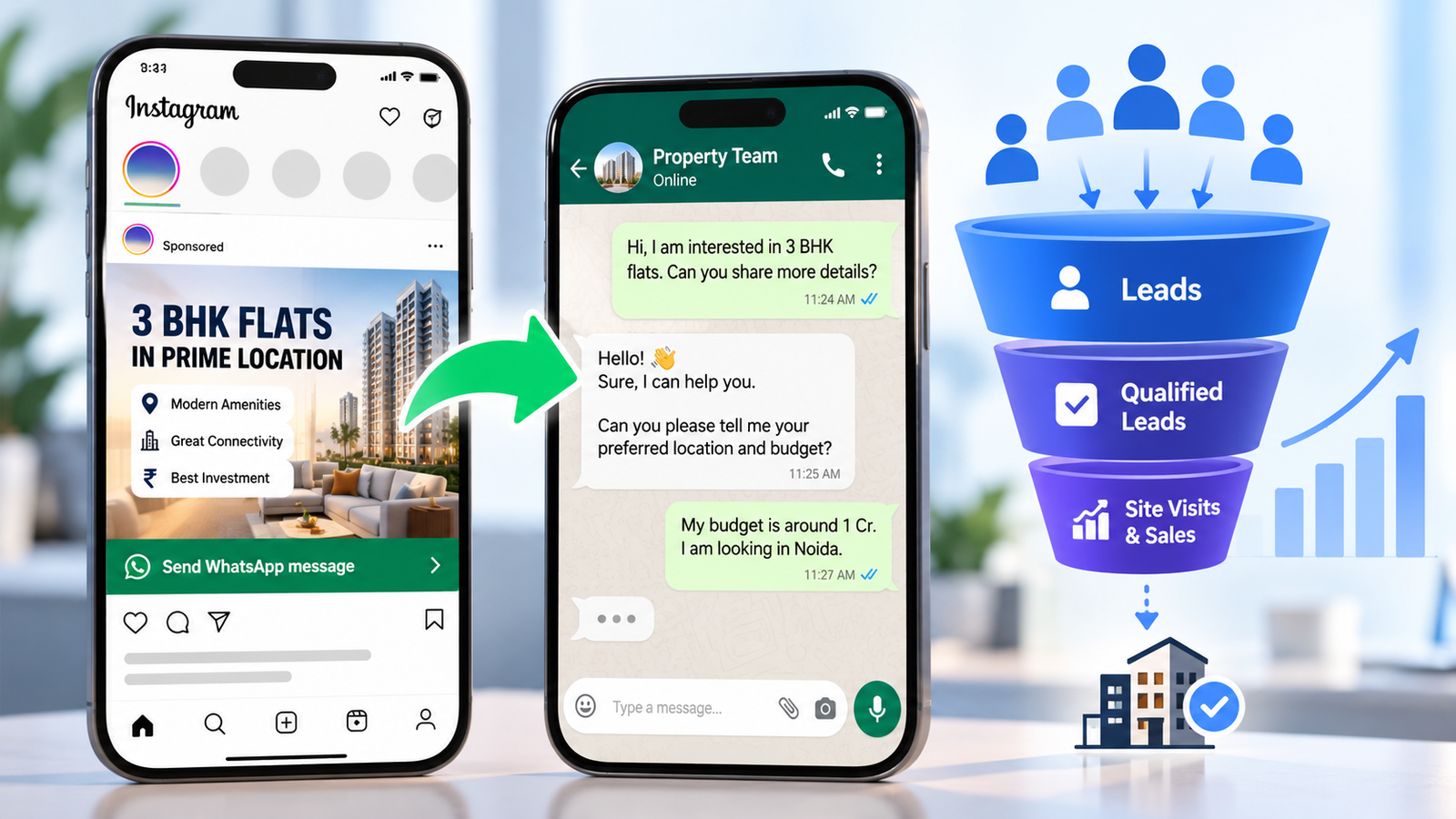
For WhatsApp enquiries, a click on the WhatsApp button can be tracked as a Contact event. Remember that a click is not a confirmed conversation, so treat it as an early signal.
How to Check Your Meta Pixel and Conversions API Setup Is Working
Review these four items in Events Manager to confirm your Meta Pixel and Conversions API data is healthy:
- Both sources visible: you should see browser and server events for the same action.
- Deduplication: the Event Deduplication tab should show matching events being merged, not doubled.
- Event Match Quality: this is scored from 1 to 10, and Meta typically recommends aiming for 6.0 or higher where possible.
- Event freshness: server events should arrive close to real time.
Also compare Ads Manager numbers with your real orders or CRM leads. Small differences are normal because of attribution windows, but a large gap suggests a setup problem.
8 Common Tracking Mistakes to Avoid
- Sending the same event from the Pixel and the Conversions API without a shared event ID.
- Using different event names on the browser and the server.
- Firing Purchase on the cart or payment page instead of after confirmation.
- Sending value without the INR currency code.
- Installing the Pixel twice, for example through a plugin and manual code.
- Sending unhashed email or phone numbers.
- Ignoring low Event Match Quality warnings.
- Forgetting to remove test event codes after testing.
Privacy and Consent in India
Meta Pixel and Conversions API tracking involves personal data such as phone numbers and emails. Update your privacy policy, collect consent where required, and take legal advice on your obligations under Indian data protection law. Do not send sensitive personal information to Meta.
Meta Pixel and Conversions API Checklist Before You Spend More on Ads
- One Pixel, installed once
- Event plan written for purchases or leads
- Pixel and server events both firing
- Same event name and event ID on both sides
- Customer information hashed and sent correctly
- Test Events checked, deduplication confirmed
- Event Match Quality reviewed
- Ads Manager compared with real orders or CRM leads
Realistic Expectations
A strong Meta Pixel and Conversions API setup does not guarantee more sales or cheaper leads. It gives Meta better data and gives you a clearer view of what works. Results still depend on your offer, creative, landing page, budget and competition. If you are planning spend, our Meta Ads budget guide for India can help you set sensible numbers.
Need help with tracking and reporting that you can trust?
ICONICMONEY helps businesses improve their digital marketing through Meta Ads management, lead generation and conversion tracking. Get in touch to discuss your goals and explore a strategy suited to your business.
Request a Free Marketing Audit or message us on WhatsApp.
D. FAQ section
Do I need both Meta Pixel and Conversions API?
Meta recommends using both. The Pixel captures browser activity, and the Conversions API sends server-side data that adds reliability. If you only run one, you may miss events or get weaker matching.
Will Meta Pixel and Conversions API count the same purchase twice?
Not if deduplication is set up correctly. Send the same event name and the same event ID from both sources, and Meta tries to merge them into one event.
How long does it take to set up Meta Pixel and Conversions API?
The Meta Pixel and Conversions API timeline depends on your website, platform and method. A simple platform integration can be quick, while a custom website or CRM connection takes longer. Allow time for testing, since Meta says verification can take around 20 minutes after events are sent.
What is a good Event Match Quality score?
Meta typically recommends aiming for 6.0 or higher where possible. Improve it by sending accurate hashed email and phone details through the Conversions API.
Can I track WhatsApp leads?
You can track clicks on a WhatsApp button as a Contact event. To measure real lead quality, update your CRM when a conversation turns into a qualified lead and send that stage back to Meta.
Is the Meta Pixel and Conversions API setup free?
The Pixel is free to use. Server-side costs depend on whether you use a platform integration, a developer or a managed tool.