Why Are Your Google Ads Spending Money Without Conversions?
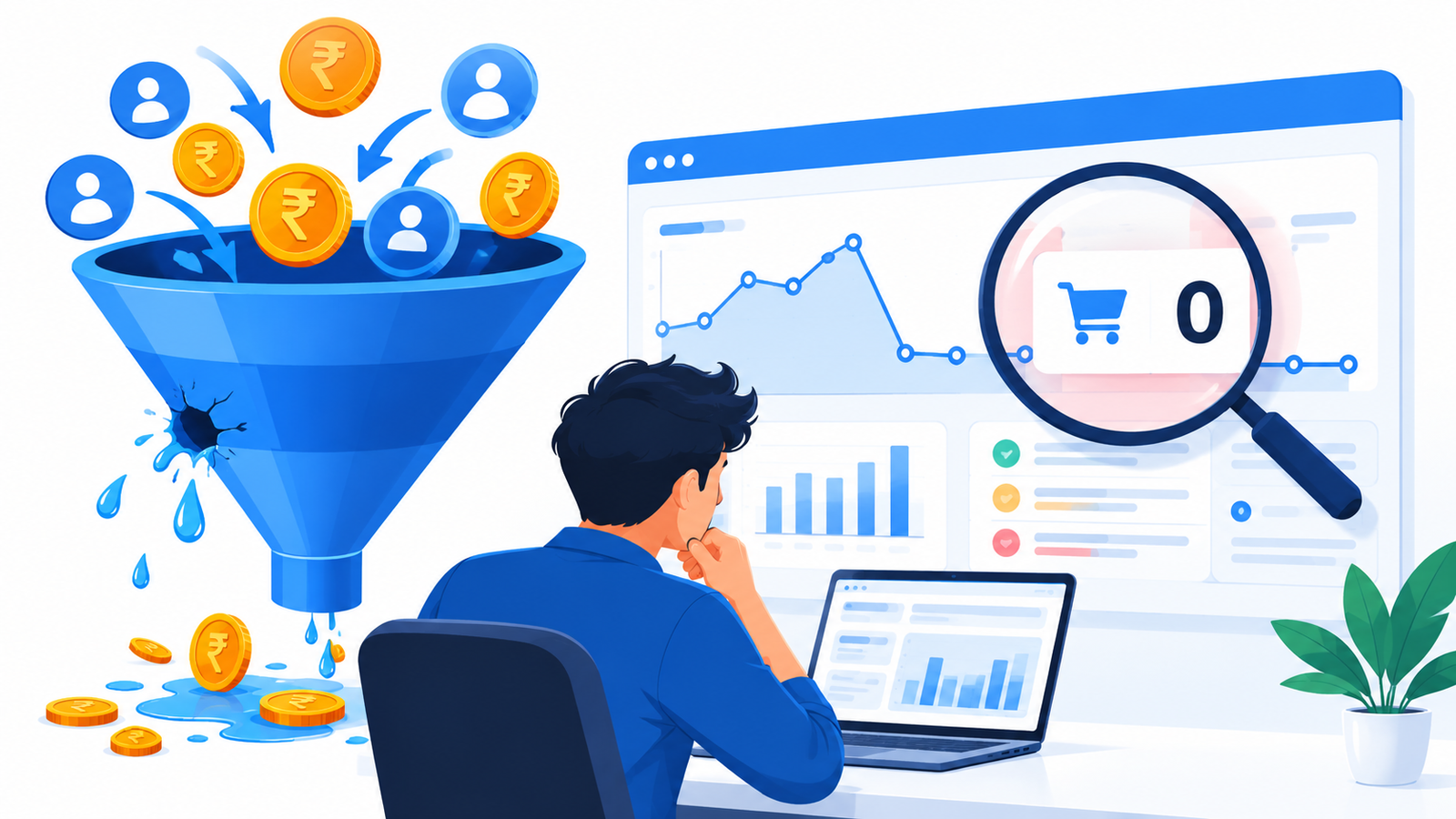
You open your Google Ads account. The budget is being used up and the clicks are coming in, but there are no leads, no calls and no sales.
The short answer: Google Ads that get clicks but no conversions almost always have a problem in one of four places. These are tracking (the conversions happen but aren’t recorded), traffic quality (the wrong people click), the landing page or lead handling (the right people click but don’t act), or campaign settings (bidding, budget or targeting work against you).
Fix them in that order. Many businesses start by rewriting ads or raising budgets, when the real problem is a broken tag or a slow reply to leads. This guide shows you how to check each area and what to fix first.
The 4-Step Diagnosis Framework
| Step | Question | If the answer is “no” |
|---|---|---|
| 1. Tracking | Are real leads or sales being recorded in Google Ads? | Fix measurement before changing anything else |
| 2. Traffic | Are the searches triggering your ads relevant? | Fix keywords, match types and negatives |
| 3. Conversion path | Does the page make it easy to enquire, and do you reply fast? | Fix the page, offer and follow-up |
| 4. Campaign setup | Do bidding, budget and goals match your business? | Fix structure, goals and expectations |
Step 1: Confirm that conversion tracking actually works
If tracking is broken, your account may be converting well while showing zero. It also means Google’s automated bidding has nothing to learn from.
Cause 1: The conversion tag is not recording
Google Ads labels each conversion action. An “Active” status means everything is working, “Needs attention” means there are action items to address, and “Not recording” is shown in red. Open Goals → Conversions → Summary and check each action’s status. google
Then confirm the tag fires on the right event. Website migrations and theme updates are notorious for breaking tracking tags. If your developer changed the site recently, check tracking first. Use Google’s Tag Assistant to see whether the tag fires once, when the thank-you page or form submission happens. cometly
Cause 2: You are tracking the wrong action, or counting it wrongly
Common mistakes include:
- Counting a page view of the contact page as a conversion, which inflates numbers without producing leads.
- Tracking only form submissions when most of your enquiries come by phone call or WhatsApp click.
- Placing the tag on a page people can reload, which creates duplicate counts.
For Indian local businesses such as clinics, taxi services and coaching centres, calls and WhatsApp enquiries are often the main lead source. If you don’t track them, Google Ads sees nothing.
Cause 3: The right action isn’t set as “primary”
Google separates primary and secondary conversion actions. Primary actions appear in the “Conversions” column and are used for bidding, while secondary actions are for observation only. A good lead action set as secondary will not guide bidding, and you may not see it in your main conversions column. google
Cause 4: Tracking breaks across redirects
If customers leave your site for a payment gateway or booking tool before finishing, tracking can break. If your conversion path crosses domains, you need cross-domain tracking configured. This matters for e-commerce stores that redirect to a payment page, and for service businesses that send people to an external booking system. cometly
Cause 5: Real-world sales never come back into Google Ads
For lead generation, a form fill is not a sale. If you close leads by phone or in person, Google never learns which clicks produced paying customers. It may optimise for cheap form fills, including junk enquiries.
Google’s answer is enhanced conversions for leads. It supplements imported offline conversion data with user-provided data such as email addresses, to improve accuracy and bidding performance. Note the upload window. Offline conversions uploaded more than 63 days after the associated last click are not imported. Also, from June 15, 2026, offline conversion import and enhanced conversions for leads uploads moved to the Data Manager API and are blocked in the Google Ads API. If a developer or CRM tool set up your import earlier, check that it still works. About enhanced conversions for leads +2
Quick tracking test: Submit a test enquiry yourself, call the tracked number, and click your WhatsApp button. Then check that each one appears in Google Ads. Allow some time, because conversions can be reported with a delay.
Step 2: Check whether the right people are clicking
Once tracking is confirmed, look at who is clicking.
Cause 6: Your ads show for irrelevant searches
Open the search terms report. By adding irrelevant search terms as negative keywords, you can prevent your ad from showing to people looking for something you don’t sell. google
What to look for:
- Wrong intent: “free”, “jobs”, “course”, “DIY”, “meaning” or “salary” when you sell a paid service.
- Wrong product or service: a “taxi service” ad showing for “taxi driver job”.
- Wrong location: clicks from cities you don’t serve.
- Researchers rather than buyers: “what is” searches when you need “near me” or “price” searches.
Two cautions:
- Some search terms without enough query activity are omitted from the report for privacy reasons. You won’t see every query, so use broader negative themes where they make sense. google
- Don’t block every term that shows zero conversions. Low-volume terms may simply need more time, and a term that doesn’t convert yet isn’t automatically waste. Base negatives on a clear reason such as irrelevance, not on a hunch.
Broad match keywords paired with weak conversion data are a frequent cause of wasted spend. If you use broad match, the conversion signals from Step 1 matter even more.
Cause 7: Targeting doesn’t fit how Indian customers search
Check these settings:
- Location: Target the cities or areas you actually serve. A Delhi-NCR service business doesn’t need clicks from all of India.
- Language: Many people search in Hindi or Hinglish. If you only use English keywords, you may miss real buyers. If your landing page is English only, you may lose Hindi-speaking visitors.
- Device: Most local-service searches happen on mobile. A page that loads slowly or is hard to use on a phone loses these visitors quickly.
- Ad schedule: If calls are your main conversion and nobody answers at night, showing ads at night wastes money.
Step 3: Fix the path from click to enquiry
Cause 8: The landing page and follow-up don’t turn clicks into leads
Even with perfect tracking and targeting, a weak page and slow follow-up lose people.
Landing page checklist:
- Does the headline match the search? Someone searching “car rental Delhi airport pickup” should see that, not a generic homepage.
- Is the main action visible on the first screen on a phone: call, WhatsApp or short form?
- Is the form short? Name, phone and one qualifying question usually beat a long form.
- Are prices, starting rates or a clear offer visible, or at least a clear next step?
- Are there real trust signals, such as genuine reviews, years in business, GST details, clear address and photos of your actual work? Use only what is true.
- Does the page load quickly on a mobile connection? Test it with Google’s PageSpeed Insights.
Lead follow-up checklist:
- Does someone reply to enquiries within minutes, not hours?
- Is the phone number on the ad or page being answered?
- Do you record where each lead came from?
For many small Indian businesses, follow-up speed decides results more than ad quality. Ads can deliver a lead and still lose the sale if nobody calls back.
For e-commerce brands: check product page speed, shipping charges shown early, COD availability, return policy and checkout friction. If payment or checkout errors are common, fix those before spending more.
What the maths can look like (hypothetical example)
This is an illustration, not a client result.
Suppose a business spends ₹30,000 and each click costs ₹25. That is 1,200 clicks.
| Conversion rate | Leads | Cost per lead |
|---|---|---|
| 2% | 24 | ₹1,250 |
| 0.5% | 6 | ₹5,000 |
The same spend and the same traffic produce a cost per lead four times higher. The only difference is what happens after the click. This is why improving the page and follow-up often beats buying more traffic.
Step 4: Check your campaign setup
Cause 9: Bidding, budget or goals don’t fit your situation
Look for these mismatches:
- Too little data for automation. Automated bidding learns from conversions. If very few are recorded, or the wrong action is tracked, the system has little to work with. I haven’t verified a specific minimum number, so check Google’s current guidance for your bid strategy.
- Budget spread too thin. Many campaigns, locations and ad groups sharing a small budget leaves each one with too little data.
- Judging too soon. Changing settings every few days resets your learning and hides the real pattern. Give changes time, and keep your own lead cycle in mind. A business that closes sales in two weeks can’t judge a campaign in three days.
- Goal mismatch. Optimising for clicks when you want sales, or counting low-value actions as conversions, steers the system the wrong way.
- Competing with yourself. Overlapping keywords across campaigns can split spend and confuse results.
What to do this week: a 7-day action plan
| Day | Task |
|---|---|
| 1 | Check conversion status, test form, call and WhatsApp tracking |
| 2 | Review primary vs secondary actions and remove junk conversions |
| 3 | Export the last 30 days of search terms and mark irrelevant ones |
| 4 | Add negatives based on real irrelevant searches; review location and language settings |
| 5 | Audit the landing page on a phone against the checklist above |
| 6 | Set a lead response target and start logging lead sources |
| 7 | Review results, then plan one change at a time |
When should you pause or change campaigns?
Pause or restructure when tracking is confirmed broken and can’t be fixed quickly, or when search terms show most spend going to clearly irrelevant queries. Don’t pause just because a few days show no conversions, especially with low volume or long sales cycles. Fix the cause first, then decide.
Common mistakes to avoid
- Raising the budget before confirming tracking.
- Rewriting ads when the landing page is the real problem.
- Blocking search terms without a reason.
- Counting every page view or button click as a conversion.
- Sending all traffic to the homepage.
- Ignoring calls and WhatsApp enquiries.
- Changing several settings at once, so you can’t tell what worked.
D. FAQ section
Why is my Google Ads spend high but I get no conversions?
Usually one of four causes: broken or incomplete conversion tracking, irrelevant search traffic, a landing page or follow-up process that loses leads, or a campaign setup that doesn’t fit your goal. Check tracking first, because a working campaign can look like a failing one if conversions aren’t recorded.
How long should I wait before judging Google Ads results?
It depends on your sales cycle, traffic volume and budget. A business with quick enquiries can spot patterns sooner than one with long decision cycles. Avoid judging after only a few days, and avoid changing settings repeatedly while data builds.
How do I know if my conversion tracking is broken?
Open Goals → Conversions → Summary in Google Ads and check each action’s status. Then test it by submitting a form, calling your tracked number and clicking your WhatsApp button, and confirm each appears in your account.
Should I add lots of negative keywords?
Add them when the search terms report shows clearly irrelevant queries. Each negative should have a reason. Blocking too aggressively can cut off searches that would have converted, and the report omits some low-volume terms, so it never shows the full picture.
Is the problem my ads or my website?
Look at the search terms first. If the searches are relevant and people click but don’t enquire, the page or offer is the likely problem. If the searches are irrelevant, fix targeting. If tracking is broken, you can’t tell either way yet.
Can a Google Ads agency fix this?
An agency can audit tracking, search terms, landing pages and campaign structure. Ask any agency to show you what they’ll check and how they’ll report results, and be cautious of promises of guaranteed outcomes.