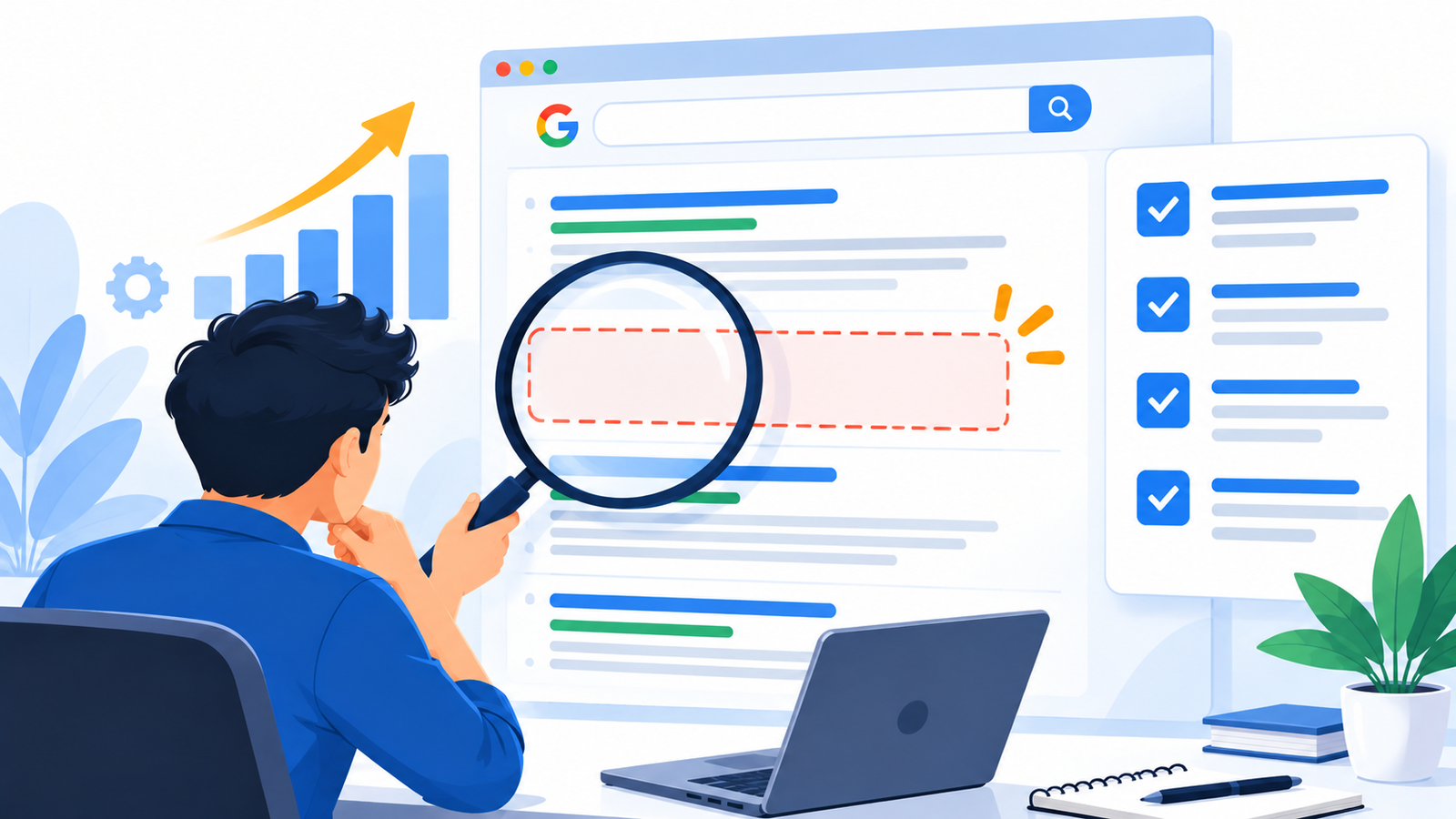
Why Is Your Website Not Ranking on Google? 15 Reasons and Fixes
You built a website, maybe paid a developer, and then searched for your own business. Nothing. Or your competitors appear and you’re nowhere on page one.
The short answer: A website that isn’t ranking usually has one of five problems. Google can’t find or index the pages, the content doesn’t match what people are searching for, the site is slow or hard to use, the site has too little trust and authority compared with competitors, or it’s simply too early. The first thing to check is whether your pages are indexed at all, because nothing else matters if they aren’t.
Below are 15 reasons in the order you should check them, with a quick test and a fix for each. No honest agency can promise a first-page ranking, but you can remove the obstacles that are holding you back.
Before you start: is it too early?
If your site is new, give it realistic time. Google needs to discover, crawl and assess your pages, and new sites have little history. There’s no fixed number of weeks, and results depend on competition, content quality and how many people link to you. If your pages aren’t even indexed after a reasonable wait, that’s a problem to fix, not something to wait out.
Quick triage: where is your problem?
| Symptom | Likely group | Start with reason |
|---|---|---|
| Your site doesn’t appear for your own business name | Indexing | 1–3 |
| Pages appear but only for your brand name | Content, intent, authority | 6–12 |
| Rankings dropped suddenly | Technical changes, updates, spam | 3, 15 |
| Business doesn’t show for “near me” searches | Local SEO | 14 |
| Competitors outrank you with weaker sites | Authority and trust | 11–13 |
Part 1: Can Google find and index your pages?
1. Your pages aren’t indexed
Google can only rank pages it has stored in its index. The first check is Google Search Console. Under Indexing → Pages, you’ll see which pages are indexed and which aren’t, and why. The report lists reasons such as blocked by robots.txt, excluded by a noindex tag, crawled but not indexed, and discovered but not indexed. optimwise
Quick check: Type site:yourdomain.com into Google. If almost nothing appears, indexing is your first problem. Then inspect the URL in Search Console.
Fix: Resolve whatever reason the report gives. Note that not every page should be indexed. A page that is excluded on purpose, such as a thank-you page, is fine.
2. A noindex tag or blocking rule is hiding your site
This is common after a redesign. A developer may block a site during testing and forget to remove the block at launch. In WordPress, check Settings → Reading for the option that discourages search engines from indexing the site. Also check for noindex tags added by SEO plugins or theme settings.
One technical point: to definitively keep a page out of search results, a noindex tag or access restriction is the right tool, not robots.txt, because a blocked page can still be indexed if other sites link to it. So don’t use robots.txt to hide pages, and don’t rely on it to fix an indexing problem either. Make sure your robots.txt isn’t blocking important folders. searchenginejournal
Fix: Remove the accidental noindex or block, confirm the page loads normally, then use the URL Inspection tool to request indexing.
3. Crawl and technical errors
Google may struggle to crawl your site if it has broken links, long redirect chains, server errors, a missing or outdated sitemap, or important content that only loads through JavaScript.
Quick check: In Search Console, review the Pages report for server errors and not-found pages. Check that your sitemap is submitted and lists only pages you want indexed.
Fix: Repair broken links, shorten redirect chains, keep your sitemap clean, and make sure key content appears in the page’s HTML. After a migration, check that old URLs redirect to the right new pages.
4. Pages are crawled but Google chooses not to index them
“Crawled, currently not indexed” means Google visited but left the page out. Google says a page in this state may or may not be indexed in the future, and that not being indexed isn’t necessarily bad. Often the cause is thin, duplicate or low-value content. seocrawl
Fix: For each page, decide whether to improve it, merge it with a stronger page, noindex it or delete it. Don’t just keep resubmitting weak pages.
Part 2: Does your content match what people want?
5. The content doesn’t match search intent
Someone searching “best CA in Delhi” wants a comparison or local listings. Someone searching “how to file ITR” wants steps. If your page is a sales pitch where Google expects a guide, or a blog where people expect a service page, it won’t rank well.
Quick check: Search your target keyword and look at the top results. Note the page types, formats and questions they answer.
Fix: Rewrite or restructure the page to fit the intent. Put the main answer near the top.
6. The content is thin, generic or not helpful enough
Google’s guidance says its ranking systems aim to prioritize helpful, reliable information created to benefit people, not content created to manipulate search rankings. Short pages that repeat what everyone else says, copied manufacturer descriptions, and pages stuffed with keywords all fall short. google
Google also says it focuses on the quality of content, rather than how content is produced, so AI-written pages aren’t penalised just for that, but unedited generic output rarely adds anything new. google
Fix: Add what competitors lack: real examples, pricing guidance, local detail, original photos, process explanations, FAQs from actual customer questions. Remove or merge pages that add nothing.
7. You’re targeting the wrong or too-competitive keywords
A new local business targeting “digital marketing” across all of India is competing with large companies. Meanwhile, nobody may search the exact phrase you’ve chosen.
Fix: Start with specific, relevant phrases: service plus city, problem plus solution, and questions your customers ask. Don’t forget how Indian customers actually search, including Hinglish or Hindi phrases where relevant. Check the live results to judge whether you can realistically compete, and build up to harder keywords over time.
8. Several of your pages compete for the same keyword
If three pages target “website design in Delhi,” Google may not know which to show, and none may rank well. This happens a lot on e-commerce sites with near-duplicate category and product pages.
Quick check: Search site:yourdomain.com "your keyword" and see how many of your own pages appear.
Fix: Give each page a distinct purpose. Merge near-duplicates, redirect the weaker one, and set canonical tags where variants are unavoidable.
9. Weak titles, headings and page structure
Your title and main heading tell Google and searchers what the page is about. Google’s guidance asks whether the main heading or page title provides a descriptive, helpful summary of the content. Titles like “Home” or “Untitled” waste the chance. google
Fix: Write unique, descriptive titles for every page, with one clear H1 and logical subheadings. Use the main keyword naturally, not repeatedly.
10. Poor internal linking and thin topic coverage
Orphan pages, with no links pointing to them, are harder for Google to find and judge. A site with one page per service and no supporting content looks shallow next to a competitor with detailed guides.
Fix: Link related pages to each other with descriptive anchor text. Build supporting articles around your main services, such as guides, comparisons and answers to common questions.
Part 3: Do you have enough trust and authority?
11. Few quality links or mentions from other sites
Google uses information from across the web to judge how well known a business is. For local results, Google says prominence also draws on information about a business from across the web, such as links, articles and directories. If nobody links to or mentions you, it’s harder to compete. google
Fix: Earn links the legitimate way: genuine local directories, industry associations, supplier and partner sites, press coverage, useful guides worth referencing, and customer features. Avoid buying bulk links or joining link schemes, which can cause more harm than good.
12. Weak trust signals
Visitors and Google both look for signs that a real, reliable business is behind the site. Thin About pages, no address, no named people, no reviews and no contact details all weaken trust, especially for topics that affect money or health.
Fix: Show real details: who you are, your address and contact information, GST or registration details where appropriate, genuine reviews, team names, and author names on guides. Use only information that’s true, and never fake testimonials.
13. The site is slow or hard to use on mobile
Most Indian searchers use phones, often on variable connections. Google measures real-world experience through Core Web Vitals. The usual “good” targets are an LCP of 2.5 seconds or less, an INP of 200 milliseconds or less and a CLS of 0.1 or less, measured at the 75th percentile of real visits. agilebrandguide
Keep this in proportion. Google’s guidance treats page experience as one of many signals, so speed alone rarely outranks a more helpful page. But a slow, jumpy site loses visitors before they read anything, so it’s still worth fixing.
Quick check: Open the Core Web Vitals report in Search Console and test key pages with PageSpeed Insights on mobile.
Fix: Compress images, remove unused plugins and scripts, use reliable hosting, and make sure buttons and text work well on small screens.
Part 4: Local, changes and competition
14. Local businesses: your Google Business Profile is missing or weak
If you serve customers in a city or area, local results matter as much as normal ones. Google says local results are based primarily on relevance, distance and prominence, and complete, accurate profiles with positive reviews help. Google also states there’s no way to request or pay for a better local ranking. googlegoogle
Fix: Claim and verify your profile. Fill in categories, services, hours, photos and description accurately. Ask real customers for reviews and reply to them. Keep your name, address and phone number consistent across your website and directories.
15. A recent change, an update or a spam problem
If rankings dropped suddenly, look at what changed. Common causes include a redesign or migration without redirects, changed URLs, accidentally blocking the site, a Google update that rewarded other pages, or low-quality tactics such as purchased links or doorway pages.
Quick check: Compare the drop date with your site changes. Check Search Console for any manual action message. Look at which pages and queries lost traffic.
Fix: Reverse technical mistakes, restore redirects, and improve content on the pages that fell. If you used spammy tactics, remove them. Recovery takes time, and I can’t promise a timeline.
Your 30-day action plan
| Week | Focus | Tasks |
|---|---|---|
| 1 | Indexing and technical | Set up Search Console, check indexing, noindex and robots.txt, submit a clean sitemap |
| 2 | Content and intent | Map one primary keyword per page, review top results, rewrite weak pages |
| 3 | Structure and trust | Fix titles and headings, add internal links, improve About, contact and trust details |
| 4 | Authority and local | Complete your Business Profile, request real reviews, plan legitimate link opportunities |
Change things in a sensible order and write down what you changed and when. That way you can tell what’s working.
What realistic expectations look like
- Rankings depend on competition, content quality, site authority and technical health, not on one trick.
- Fixing an indexing error can bring quick visibility. Building authority and content depth takes longer.
- No one controls Google, so be wary of anyone who guarantees a position.
- Judge progress by indexed pages, impressions, clicks, enquiries and leads, not rankings for a single keyword.
How ICONICMONEY can help
ICONICMONEY is a performance marketing agency in Delhi working on Google Ads, Meta Ads and website design and development. If your site isn’t getting found, a practical first step is a review of indexing, page structure, content and how your site performs on mobile. If you need leads sooner while your organic rankings build, Google Ads can complement SEO.
Not sure which of these 15 problems is holding your site back? Request a free marketing audit and we’ll take a look.
Conclusion
When a website isn’t ranking, the fix starts with finding the real cause. Check indexing first, then match your content to what people search, then build trust and authority, and keep your expectations realistic. Work through the reasons in order, change one thing at a time, and track the results.
D. FAQ section
How do I know if my website is indexed on Google?
Search site:yourdomain.com in Google, then check Google Search Console under Indexing → Pages for details on each page. If key pages aren’t indexed, fix that before working on anything else.
How long does a new website take to rank on Google?
There’s no fixed time. It depends on competition, content quality, technical health and how many sites link to you. If your pages aren’t indexed after a reasonable wait, look for a technical cause rather than just waiting.
Why does my website only show for my business name?
That usually means Google can find the site but doesn’t see it as the best match for broader searches. Check whether your content matches search intent, whether you’re targeting realistic keywords, and whether you have enough trust and authority signals.
Why did my website rankings suddenly drop?
Common causes include redesigns or migrations without redirects, accidentally blocking the site, a Google update, or low-quality tactics such as purchased links. Compare the date of the drop with your changes and check Search Console for messages.
Do I need backlinks to rank on Google?
Links and mentions from other sites help Google judge how well known and trusted you are, especially for competitive searches. They aren’t the only factor, and low-quality or purchased links can cause problems. Focus on earning relevant, genuine links.
Why doesn’t my business show up in Google Maps or “near me” searches?
Check that you’ve claimed and verified your Google Business Profile and filled it in accurately. Google bases local ranking mainly on relevance, distance and prominence, and you can’t pay for a better local ranking.